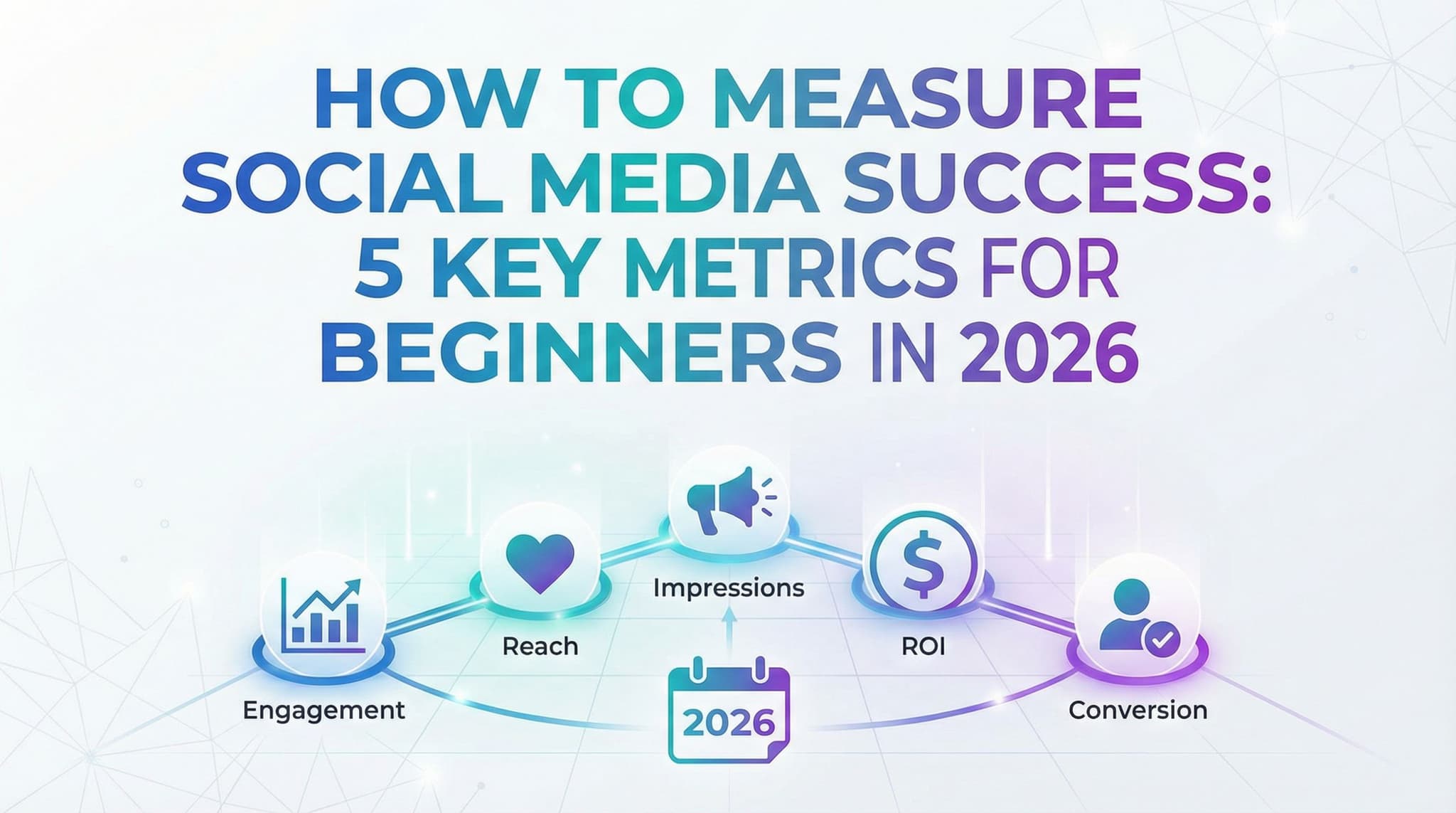
How to Measure Social Media Success: 5 Key Metrics for Beginners in 2026
You've been posting consistently for weeks. Your content looks good. You're showing up. But here's the nagging question keeping you up at night: Is any of this actually working?
The frustrating truth? You have no idea because you're probably measuring the wrong things. Or worse, you're drowning in a sea of metrics that sound important but don't tell you anything meaningful about your business.
Social media analytics can feel like staring at a dashboard full of numbers that might as well be written in another language. Impressions, reach, engagement rate, sentiment analysis—it all blurs together. Most beginners end up obsessing over follower counts (spoiler alert: that's one of the least important metrics) while ignoring the numbers that actually predict whether your social media efforts will generate revenue, brand awareness, or meaningful customer relationships.
Here's what we're going to do: cut through the noise and focus on the five metrics that genuinely matter for small businesses and freelancers just starting out. These aren't vanity metrics designed to make you feel good about your Instagram presence. These are real, actionable numbers that show whether your social media strategy is actually moving the needle on your business goals.
Better yet? I'm going to show you exactly how to calculate each one and explain why it matters at different stages of your growth. By the end of this guide, you'll know exactly which metrics to track first, which ones to add later, and—most importantly—what they actually mean for your bottom line.
Paid Social Metrics: Measuring Return on Your Advertising Investment
So far, we've focused on organic metrics—the engagement and reach you get from posting content without paying for promotion. But if you're serious about social media growth, at some point you're probably going to invest in paid advertising. And when you spend money, the metrics change. Suddenly, you need to know whether you're getting a positive return on that investment.
This is where paid social metrics come in, and it's where many beginners make expensive mistakes. They'll spend $500 on ads without understanding what success looks like, and then wonder why they don't see results. Or worse, they see results but have no idea which ads are actually profitable because they're not tracking the right metrics.
The good news? Paid social metrics are actually more straightforward than organic metrics because the platforms do most of the calculation for you. You just need to understand what you're looking at and how to use the data to make smarter decisions.
6. Cost Per Engagement and Return on Ad Spend: Making Every Dollar Count
Let's say you're running a Facebook ad campaign promoting a product launch. You set a daily budget of $50 and let it run for a week. You get 3,500 impressions, 280 clicks, and 12 sales. But here's the question: Did you make money or lose money?
This is where cost per engagement (CPE) and return on ad spend (ROAS) come in. These metrics tell you whether your paid advertising is efficient and profitable.
Cost per engagement is straightforward: it's how much you're paying for each interaction (like, comment, share, or click) on your ad.
How to calculate it: Take your total ad spend and divide by the total number of engagements.
CPE = Total Ad Spend ÷ Total Engagements
Let's say you spent $350 on ads and got 280 total engagements. Your CPE would be $350 ÷ 280 = $1.25 per engagement. Is that good? It depends on your industry and what you're trying to achieve. For awareness campaigns, $1-3 per engagement is typical. For conversion-focused campaigns, you'll usually pay more per engagement but get more valuable results.
But here's the thing: CPE is useful for awareness and engagement campaigns, but it's not the metric that tells you whether you're making money. That's where return on ad spend (ROAS) comes in.
ROAS is the gold standard metric for paid social campaigns because it directly shows whether you're profitable. It measures how much revenue you generate for every dollar you spend on ads.
How to calculate it: Take your total revenue from the campaign and divide by your total ad spend.
ROAS = Total Revenue ÷ Total Ad Spend
Let's go back to our example. You spent $350 on ads, and those ads drove 12 product sales at $75 each. Total revenue: $900. Your ROAS would be $900 ÷ $350 = 2.57. That means for every dollar you spent, you got $2.57 back in revenue. After accounting for the cost of the product, your profit margin, and other business expenses, you need to determine your breakeven ROAS. For most e-commerce businesses, a ROAS of 2.0 or higher is considered good. 3.0 or higher is excellent.
Here's what makes ROAS so powerful: it's the metric that tells you exactly whether paid social is worth your money. If your ROAS is 1.5, you're losing money on every sale (because you're spending more on ads than you're making in revenue). If it's 2.5, you're profitable and should probably increase your ad spend. If it's 0.8, you should shut down the campaign immediately and figure out what's wrong.
For beginners with limited budgets, ROAS is everything. Start with small daily budgets ($10-20) and test different audiences, ad creatives, and landing pages. Track ROAS religiously. Once you find a combination that works (ROAS above your breakeven point), gradually increase the budget. Once you find a combination that doesn't work (ROAS below breakeven), kill it immediately and try something different.
Here's a critical insight that most beginners miss: you need to account for your entire customer lifetime value, not just the first purchase. If someone buys a $75 product, you might think you need a 2.0 ROAS to break even. But if that customer buys from you again and again, spending $500 total over their lifetime, then a 1.2 ROAS on the first purchase is actually excellent because you'll make much more money on repeat purchases.
Track ROAS for every paid campaign. Use UTM parameters to connect clicks to sales. Set up conversion tracking in your platform's ad manager so you can see exactly which ads are driving sales. And here's the key: don't just look at overall ROAS—look at ROAS by audience, by ad creative, by platform, and by time period. Maybe your ads work great on Instagram but poorly on TikTok. Maybe your carousel ads outperform your video ads. Maybe Tuesday is your best performing day. This granular data tells you exactly how to optimize your spending for maximum profitability.
For beginners, I recommend starting with a weekly budget of $50-100 and running multiple small tests simultaneously. Track ROAS for each test. Double down on the winners and kill the losers. This approach lets you learn quickly without betting your entire budget on a single strategy. Over time, you'll develop an intuition for what works, and your ROAS will improve dramatically.
Putting It All Together: Which Metrics Matter at Your Stage
Here's the honest truth that nobody tells beginners: you don't need to track all six of these metrics simultaneously. That's overwhelming and will paralyze you. Instead, you need to understand which metrics matter most at your current stage of growth.
Stage 1: Building Your Audience (0-5,000 followers)
At this stage, your primary goal is to build an audience and establish your presence. Focus on:
- Engagement Rate – Is your content resonating with the people who see it? If engagement is low, your content strategy needs work before you worry about anything else.
- Follower Growth Rate – Are you attracting new followers? If growth is stagnant, your content isn't compelling enough, or you're not showing up frequently enough.
- Reach – Is the algorithm distributing your content? Growing reach indicates the algorithm is favoring you.
Don't worry about CTR, conversion rate, or ROAS yet. You don't have enough traffic to measure these meaningfully. Focus on building a healthy audience first.
Stage 2: Building Authority (5,000-50,000 followers)
Once you have a decent audience, your goal shifts to establishing expertise and driving action. Now add:
- Click-Through Rate – Start including calls-to-action and links in your posts. Are people clicking them?
- Sentiment and Brand Mentions – You have enough audience that people are talking about you. Monitor what they're saying.
You still care about engagement and follower growth, but now you're also proving that your audience trusts you enough to take action.
Stage 3: Driving Business Results (50,000+ followers or consistent traffic)
Now you're ready to optimize for business outcomes. Add:
- Conversion Rate – What percentage of your traffic actually converts to customers, signups, or leads?
- ROAS and Cost Per Engagement – If you're running paid ads, these metrics tell you whether it's profitable.
At this stage, you might actually deprioritize raw engagement rate because you care more about quality engagement that drives conversions. One comment from a qualified prospect is worth more than 100 likes from random people.
The key insight: start simple, add complexity as you grow. Don't get overwhelmed trying to track everything at once. Pick the metrics that align with your current business goals, master them, and then expand. This approach keeps you focused and prevents analysis paralysis.
Measuring social media success isn't about tracking every possible metric—it's about understanding which numbers matter for your specific business and growth stage. The six metrics we've covered here form the foundation of social media analytics: engagement rate and reach show whether people care about your content, follower growth rate reveals whether you're building a real audience, click-through rate and conversion rate connect social media to actual business results, sentiment analysis protects your brand reputation, and cost per engagement and ROAS prove whether paid advertising is worth your investment.
The real power comes from connecting these metrics to your business goals and tracking them consistently over time. You're not looking for perfection in any single metric—you're looking for positive trends and patterns that show your strategy is working. Start with the metrics that align with your current stage, track them weekly, and adjust your strategy based on what the data tells you.
As your social media presence grows and your analytics needs become more complex, you'll likely want to consolidate your tracking in one place rather than jumping between platform dashboards. The best social media management tools handle metric tracking, reporting, and analysis automatically—they pull data from all your platforms, calculate your KPIs for you, and show you the trends that matter. This frees you up to focus on what actually moves the needle: creating great content and building genuine relationships with your audience.
If you want a low-lift way to apply these ideas, Aidelly helps you keep your social content consistent without extra busywork. Now that you know which metrics to track, the real challenge is consistently creating the content that drives those numbers—while staying true to your brand voice across multiple platforms. Aidelly makes this easier by letting you create and schedule engaging content in advance, so you can focus on analyzing what's working rather than scrambling to post daily. Start tracking your metrics with confidence and a content strategy that actually supports them—get started at aidelly.ai.Compare Social Scheduling Tools
Evaluating software for your content workflow? Use our buyer guides and comparisons to compare scheduling, approvals, analytics, and AI workflow fit.
Share this article
Related Articles
10 Time-Saving Social Media Tips for Busy Small Business Owners in 2026
Struggling to keep up with social media while running your business? Most small business owners waste 10+ hours weekly on scattered social posting. This comprehensive guide reveals exactly how to reclaim those hours with practical, battle-tested strategies that reduce social media management to just 30 minutes daily. From content batching to AI-powered automation, discover the exact tools and frameworks that helped dozens of entrepreneurs scale their presence without burning out.
Jan 27, 2026
Read more
7 Must-Have Social Media Management Tools for Small Businesses in 2026: A Real-World Cost-Benefit Guide
Running a small business in 2026 means juggling multiple social media accounts without a dedicated team—or budget. The right social media management tool can save you 10+ hours per week while actually improving your engagement and ROI. This guide breaks down the best affordable tools for small business owners, from scheduling platforms to design solutions, with honest cost-benefit analysis and a decision tree to help you pick the perfect fit for your specific needs and budget.
Jan 28, 2026
Read more
Social Media Automation: A Beginner's Guide to Saving Time Without Losing Your Human Touch (2026)
Tired of spending hours managing social media? Social media automation can be a game-changer for small business owners and solopreneurs, but it's not about replacing genuine connection—it's about being smarter with your time. In this comprehensive guide, we'll explore what automation actually is, why it matters, the tools that work best, and most importantly, how to use it without coming across as robotic or inauthentic. Learn the automation paradox: how strategic automation actually frees you up to have MORE meaningful conversations with your audience.
Jan 27, 2026
Read moreReady to never miss a post again?
Tell Aidelly what to post. It drafts, schedules, and publishes across 9 platforms while you focus on your business.