How to Plan Your Social Media for the Month (A Step-by-Step Guide That Actually Works)
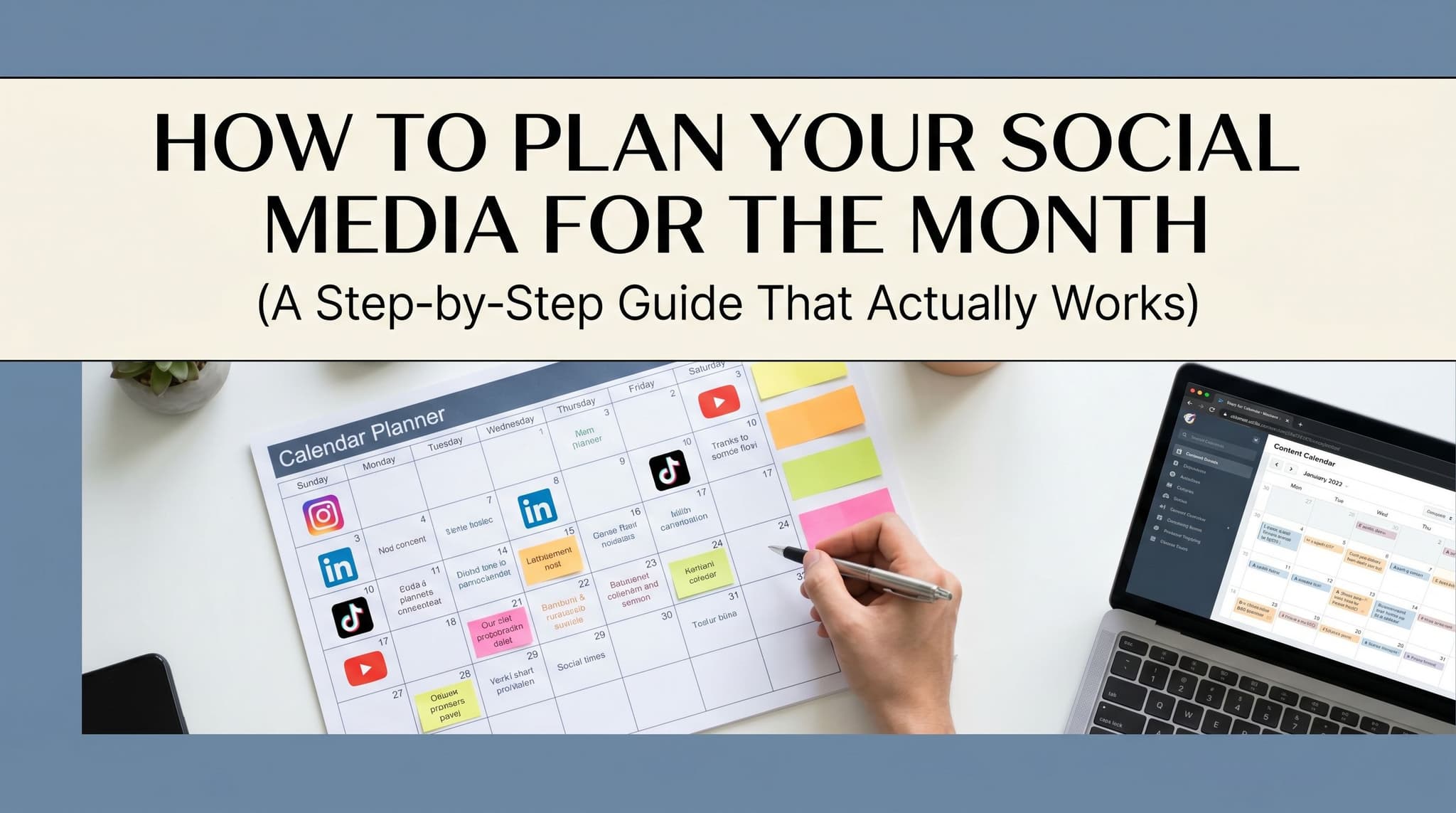
You know that feeling on a Sunday night when you realize you have not posted anything in a week and now you have to come up with something before Monday morning? That is not a content problem. That is a planning problem. And it is fixable in one afternoon.
Most monthly planning guides make this harder than it needs to be. They give you a 47-step framework and a color-coded spreadsheet and send you on your way. This guide does something different. It walks you through the actual steps, in order, and shows you where smart tools can take over so you are not doing the same manual work every single month.
Why Reactive Posting Is Killing Your Social Media Results
The Real Cost of Winging It
Most people skip the planning phase entirely. They open Instagram on a Tuesday afternoon, realize they have not posted in four days, and throw something together in ten minutes. It goes out. Nobody sees it. They move on. Repeat.
This is reactive posting, and it is the single biggest reason social media feels like a waste of time for small business owners. It is not that the content is bad. It is that there is no system behind it. No consistency, no thread connecting one post to the next, no way to know what is working because nothing is being tracked.
A monthly planning session fixes this. You sit down once, map out the whole month, and build a repeatable system instead of a weekly scramble. You stop asking "what should I post today?" and start executing a plan you already made when you had a clear head. That shift alone changes everything. Businesses that plan their content a month in advance post more consistently, and consistent posting is the single biggest driver of organic reach on every major platform in 2026.
What a Monthly Planning Session Actually Looks Like
A monthly planning session does not have to take all day. For most solopreneurs and small teams, two to three hours is enough. You audit last month, set goals for this month, map out your content themes, batch your creation, and schedule everything. That is the whole loop.
The problem is most people skip steps one and two and jump straight to "what should I post," which is why they end up with random content that gets likes but moves nothing. Think of it like a road trip. You would not get in the car without knowing where you are going. Monthly planning is just choosing the destination before you start driving.
When you build this habit, month two takes half as long as month one. Month three takes half as long as month two. The system compounds on itself, and eventually the execution almost runs on autopilot.
Building a System You Can Repeat
The goal of monthly planning is not to fill a calendar. It is to build a system you can repeat without starting from scratch every time. That means creating templates for your content types, establishing a review habit at the end of each month, and using tools that carry the repetitive work forward so you can focus on the decisions that actually require your brain.
A real estate agent who plans content once a month might use the same four content pillars every month: a local market update, a client story, a home-buying tip, and a behind-the-scenes look at their process. The pillars stay the same. The specific content changes. That structure makes planning faster and makes the account feel cohesive to followers over time. Pick your pillars, stick to them, and let the system do its job.
Start With Goals and Data, Not Content Ideas
Set Your Business Goals Before You Touch a Calendar
Here is where most monthly planning guides get it wrong. They tell you to start with a content calendar. Pick your themes, fill in the dates, done. But if you do not know what you are trying to accomplish this month, you are just decorating a calendar.
Start with your business goals for the month before you touch a content calendar. Every post should trace back to a real objective. Are you trying to drive traffic to a new blog post? Build your email list before a product launch? Push a specific offer that closes on the 30th? Without that anchor, you end up with content that gets engagement but moves nothing. A post about your morning routine might get 400 likes, but if your goal is to sell a coaching package, that post did zero work for your business.
Write down one to three goals for the month. Then ask yourself: what does someone need to see, believe, or feel to take that action? Your content plan answers that question, post by post. This is the thinking only you can do. Everything downstream from here is execution, and execution is where AI earns its keep.
Audit Last Month Before You Plan the Next One
Before you write a single caption for the new month, spend twenty minutes looking at what happened last month. Not just likes. Likes are the least useful metric in your analytics dashboard. Look at which posts drove clicks to your website, which ones got saved, which ones got shared, and which ones brought in new followers. Those are the posts that actually did something.
This audit tells you three things: what to repeat, what to kill, and where to put more energy. If your carousel posts on LinkedIn consistently drive profile visits but your text-only posts get ignored, that is data. If your Instagram Reels about client results get shared but your product photos sit flat, that is data. You are not guessing anymore. You are making decisions based on what your actual audience responded to.
Aidelly's cross-platform analytics dashboard pulls this data into one place so you are not logging into five different apps to piece together a picture. You can see which formats, topics, and posting times performed best across every channel, and use that to shape next month's plan in minutes instead of hours.
Map Your Content to the Month's Calendar
Once you know your goals and what worked last month, you can start mapping content to the actual calendar. Look at what is happening in your business this month. A launch, a sale, a seasonal moment, a speaking event. Then look at what is happening for your audience and plan content that connects those two things.
A simple approach: assign each week a primary theme that supports one of your monthly goals. Week one might be awareness content that introduces the problem your product solves. Week two might be educational content that builds trust. Week three might be social proof. Week four might be a direct push toward the offer. This gives every post a job and keeps the month feeling cohesive instead of random. You are not just filling dates. You are building a narrative that moves someone from "I just found this account" to "I want to buy this."
Batch, Create, and Schedule Like a Pro
Why Batching Your Content Changes Everything
Creating content every day is one of the most expensive habits a business owner can have. Not expensive in money. Expensive in attention. Every time you sit down to write a caption from scratch, you pay a context-switching tax. You have to get back into the right headspace, remember what you posted last, figure out what fits today, and then actually write the thing. Do that five days a week and you have burned hours that could have gone into your actual work.
Batching solves this. You block one or two focused sessions per month, write all your captions, gather all your visuals, and schedule everything in advance. You are in the zone once instead of fighting your way back into it every day. Most people who switch to batching report that they create a full month of content in the same time they used to spend on a single week of daily posting.
This is also where agentic AI tools change the game entirely. AI agents can handle ideation, drafting, and scheduling end-to-end so you can focus on strategy instead of execution. In Aidelly's AI Chat Workspace, you describe your goals, your audience, and your brand voice, and the AI drafts platform-optimized posts for every channel. You review, refine, approve, and schedule. The heavy lifting is done. What used to take a full day now takes an hour.
Auto-Scheduling Based on Platform-Specific Best Times
Auto-scheduling based on platform-specific best times to post is not optional if you want consistent reach. Manually picking times is guesswork. You might know that LinkedIn does better in the morning and TikTok does better at night, but that is a general rule, not your audience's actual behavior. Your followers have specific habits, and those habits shift over time.
AI-powered schedulers analyze your audience data and pick the right posting windows automatically. That means your content goes out when people are actually online, not when it is convenient for you to hit publish. The difference in reach can be significant. A post that goes out at the right time gets seen by more people in the first hour, which signals to the algorithm that it is worth showing to more people, which compounds over time.
Manual scheduling also breaks down the moment life gets busy. You forget. You are in a meeting. You are traveling. Auto-scheduling does not care. It runs on the plan you set at the start of the month and keeps your content going out on time, every time. Consistency is the one thing every platform rewards, and auto-scheduling is how you achieve it without thinking about it every single day.
Build an Approval Workflow Before Anything Goes Live
If you are managing content for a client or working with a team, nothing should go live without a review gate. One off-brand post, one typo in a promotional caption, one image that misrepresents a product can do real damage to a brand you have spent months building. An approval workflow is not bureaucracy. It is quality control.
Set up a simple review step at the end of your batching session. If you are a solopreneur, that might mean sleeping on the content before you schedule it. If you are on a team or managing client accounts, that means routing drafts through a formal approval step before they hit the queue. Aidelly's approval workflows let you do this inside the platform, so nothing goes live until the right person signs off. You get the speed of batching without the risk of skipping review. The two things work together, and that combination is what makes a monthly planning system actually trustworthy at scale.
Monthly social media planning comes down to five moves: stop posting reactively, anchor every piece of content to a real business goal, audit what actually worked last month, batch your creation into focused sessions, and let auto-scheduling handle the timing. Do those five things and you will post more consistently, waste less time, and actually be able to measure what is moving the needle.
The part that used to make this hard was the execution. Writing captions, formatting for each platform, picking posting times, routing for approval. That is where most people burned out and fell back into reactive mode. Agentic AI tools have changed that equation. The thinking is still yours. The execution does not have to be.
If you are ready to stop managing your social media manually and start running it like a system, the right tool makes that transition a lot smoother than starting from scratch.
If you want a low-lift way to apply these ideas, Aidelly helps you keep your social content consistent without extra busywork.A monthly plan gives you the strategy. Aidelly's agentic workflows handle the execution. From drafting captions to scheduling posts at the right time to pulling performance data, AI agents run the repetitive work so you don't have to touch it every week. If you're ready to stop managing social media manually and start running it like a system, head to aidelly.ai and see how it works.
Compare Social Scheduling Tools
Evaluating software for your content workflow? Use our buyer guides and comparisons to compare scheduling, approvals, analytics, and AI workflow fit.
Share this article
Related Articles

TikTok Ads 101: Your Complete Beginner's Playbook to Launch Winning Campaigns in 2026
Ready to tap into TikTok's 1.5 billion users but intimidated by the platform's unique advertising landscape? This comprehensive beginner's guide walks you through everything you need to know—from setting up your Ads Manager account to measuring ROI like a pro. Whether you're running a bootstrapped e-commerce store or managing campaigns for a growing agency, you'll discover proven strategies that go beyond generic "how-to" advice. Learn what makes TikTok advertising fundamentally different from Facebook or Instagram, master each ad format, and avoid the costly mistakes that trip up first-time advertisers. By the end, you'll have a complete framework to confidently launch your first campaign and optimize it for maximum impact.
Mar 7, 2026
Read more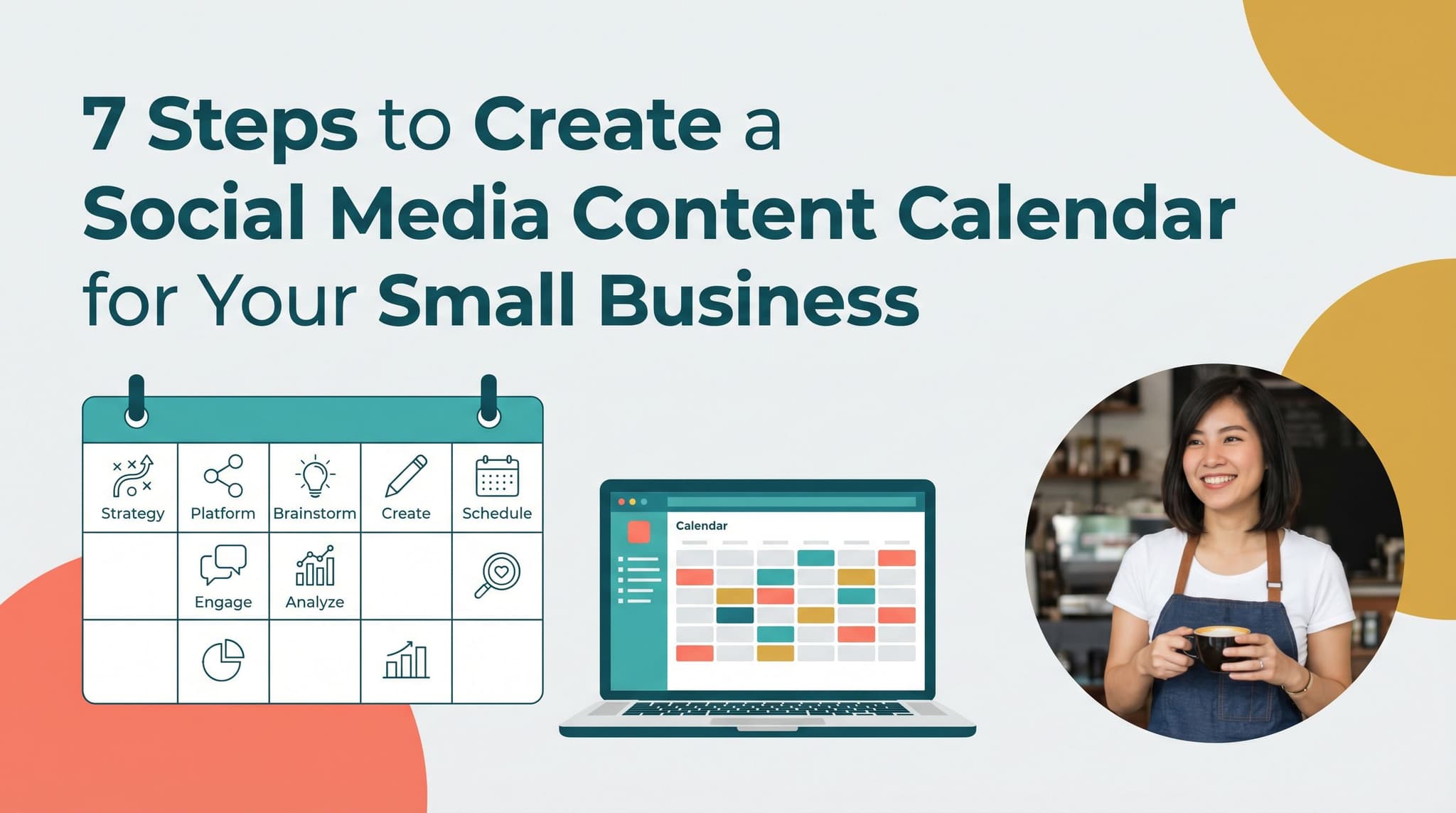
7 Steps to Create a Social Media Content Calendar for Your Small Business
Most small business owners treat a content calendar like a finish line. Build the spreadsheet, fill in the dates, done. But a calendar with no system behind it falls apart by week three. You miss a day, then two, then you're back to posting whatever feels urgent. This guide walks you through seven steps to build a social media content calendar that actually holds up, starting with a clear business goal and ending with a workflow where AI agents handle the repetitive parts for you. Whether you've tried Google Sheets, a basic scheduler, or nothing at all, these steps will help you post consistently without spending hours every week on content. No fluff, no generic advice about posting on Tuesdays. Just a repeatable system built around how small businesses actually work.
Apr 18, 2026
Read more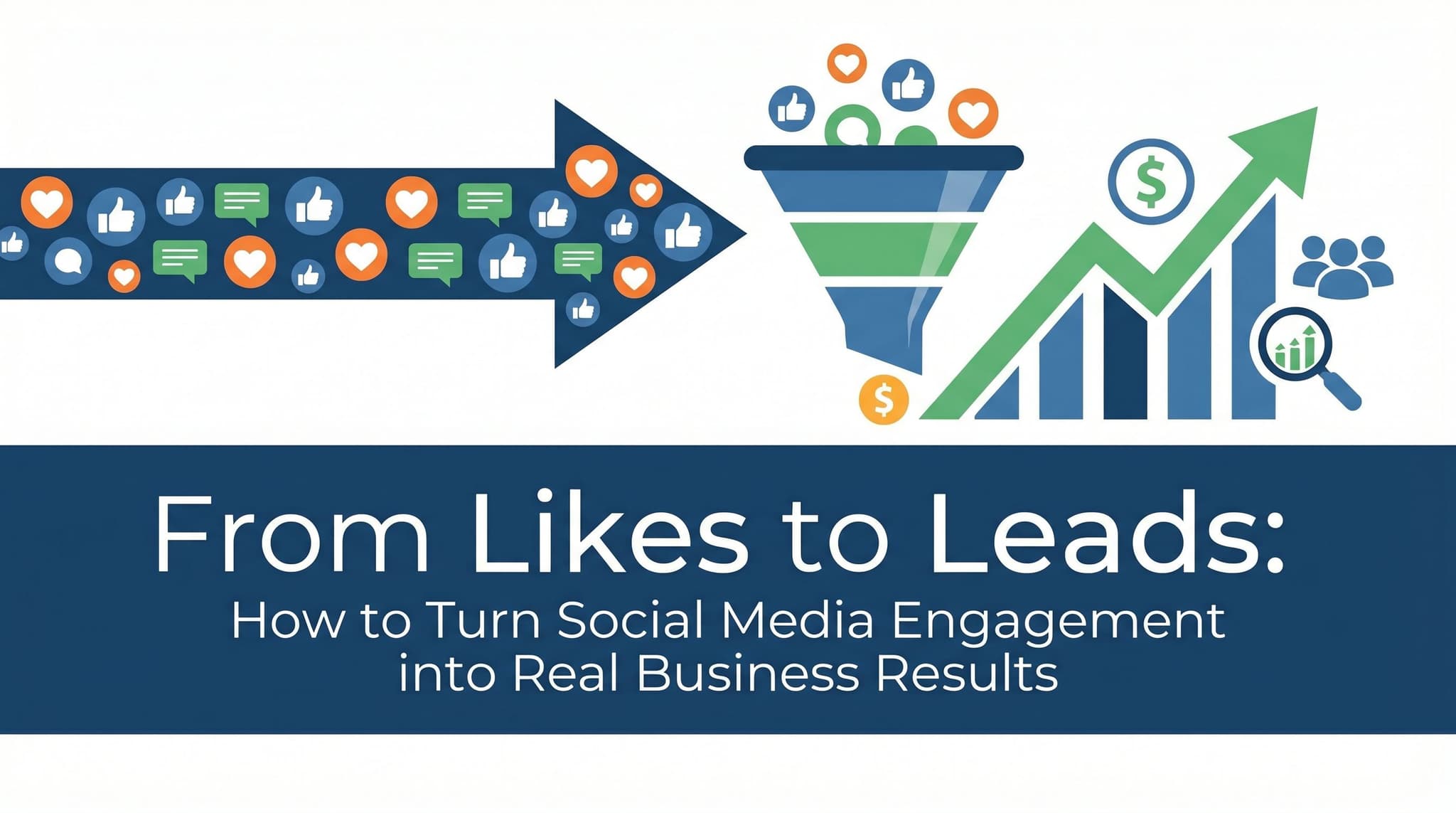
From Likes to Leads: How to Turn Social Media Engagement into Real Business Results
You're posting consistently. People are liking your content, dropping comments, maybe even sharing it. But your inbox is quiet. Sales haven't moved. And you're starting to wonder if social media actually works for businesses like yours. It does. But most businesses are stopping at the wrong finish line. Likes and comments aren't the goal. They're the starting point. The gap between engagement and revenue isn't a content problem. It's a systems problem. Businesses that consistently convert followers into customers aren't just posting better content. They're posting at the right times, on the right platforms, with the right follow-through. This article breaks down exactly where the disconnect happens and how to fix it, so your social media activity starts showing up in your revenue, not just your analytics dashboard.
Apr 19, 2026
Read moreReady to never miss a post again?
Tell Aidelly what to post. It drafts, schedules, and publishes across 7 platforms while you focus on your business.