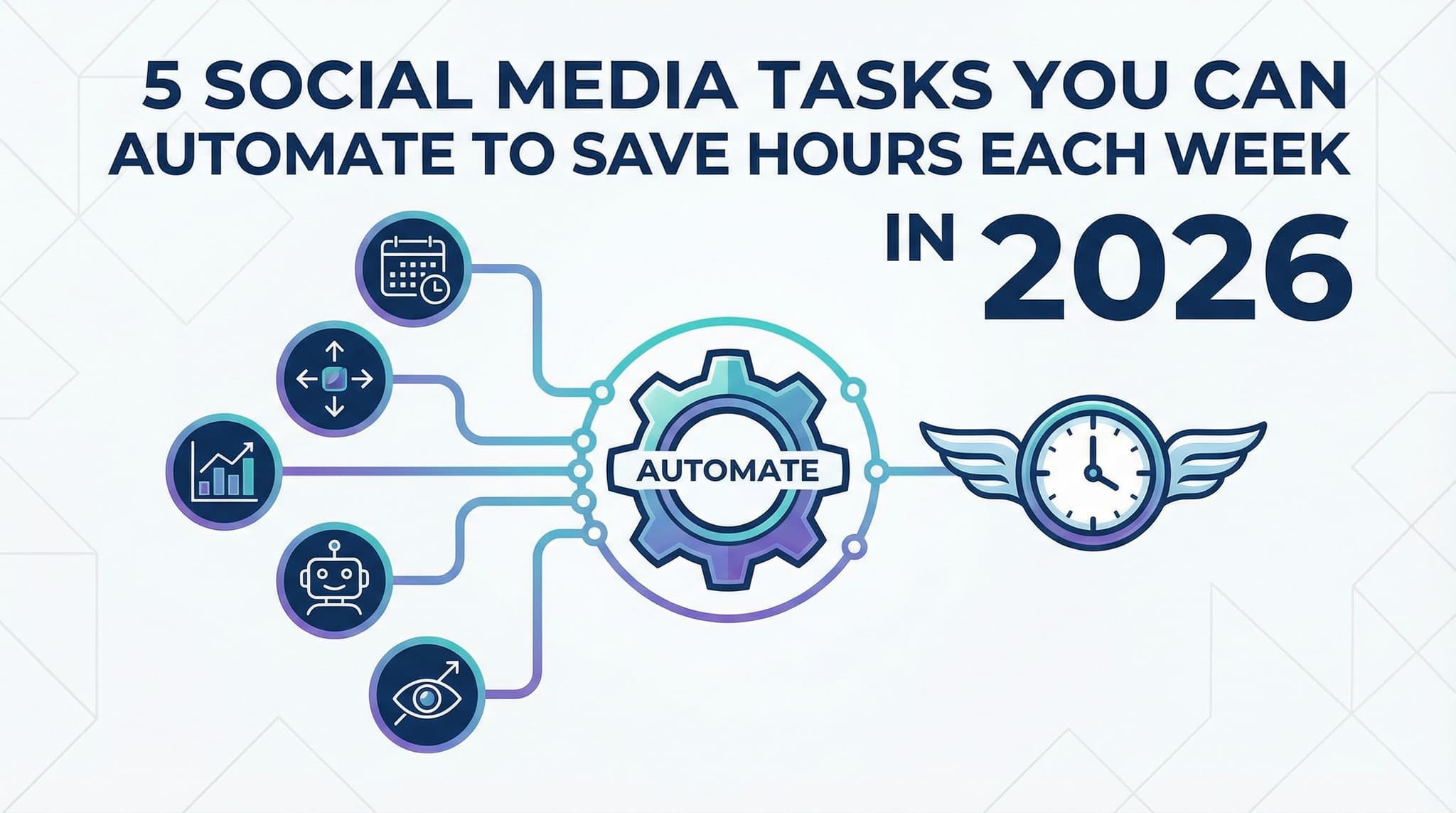
5 Social Media Tasks You Can Automate to Save Hours Each Week in 2026
Let's be honest: managing social media for a growing business is exhausting. You're juggling content calendars, responding to comments across four different platforms, hunting for shareable industry content, compiling analytics reports, and somehow still finding time to create original content. By the time you finish your social media checklist, half your day is gone.
Here's what most business owners don't realize: you don't have to do it this way anymore. The social media automation tools available in 2026 aren't the clunky, impersonal systems of years past. They're intelligent, flexible, and designed specifically to handle the repetitive tasks that drain your time while freeing you up for the creative, relationship-building work that actually moves your business forward.
The question isn't whether you should automate—it's which tasks to automate first. In this guide, we're breaking down five specific social media tasks you can automate today, exactly how much time each will save you, and how to implement them without sacrificing the authentic voice and genuine engagement your audience expects.
Section 1: Mastering Scheduling and Content Distribution
If there's one social media task that absolutely must be automated, it's scheduling posts across multiple platforms. Think about what you're doing right now: crafting a post, logging into Facebook, uploading it, waiting for it to process, then doing the exact same thing on Instagram, LinkedIn, Twitter, and TikTok. That's not productivity—that's repetition masquerading as work.
The beauty of modern scheduling tools is that they've eliminated this entirely. With platforms like Buffer, Hootsuite, and Later, you can batch-create content during a dedicated 2-3 hour block each week, schedule it all at once across every platform, and then walk away. Your posts go live at optimal times based on when your audience is most active, without you lifting a finger.
Let's talk numbers. If you're manually posting to four platforms once per day, you're spending roughly 20-30 minutes daily just on the mechanical act of uploading and formatting. That's 2-2.5 hours per week. Multiply that by 52 weeks, and you're looking at 100+ hours annually spent on a task that requires zero creative thinking. When you automate this single task, you're buying back two full business days every week.
1.1: Setting Up Your Scheduling Workflow with Buffer, Hootsuite, or Later
Let's walk through exactly how to set this up. Start by choosing your tool—and honestly, any of these three will work beautifully. Buffer is the simplest if you're just starting out, Hootsuite is the most feature-rich for larger teams, and Later excels if you're heavily visual (Instagram, Pinterest, TikTok).
Here's your implementation plan:
- Step 1: Connect all your social accounts to your chosen platform. This typically takes 15 minutes total.
- Step 2: Create your content calendar in a spreadsheet or use the tool's built-in calendar. Block out your posting schedule—we recommend 1-3 posts per platform per day depending on your industry.
- Step 3: Dedicate one day per week (let's say Wednesday) as your 'batch creation day.' Spend 2-3 hours creating all your content for the following week.
- Step 4: Load everything into your scheduling tool, scheduling posts for optimal times. Most tools have built-in analytics showing when your audience is most active.
- Step 5: Set it and forget it. Your posts will go live automatically while you focus on strategy and engagement.
The time savings here are immediate and measurable: you're cutting daily social media posting time from 30 minutes to essentially zero. That's 2.5 hours reclaimed every single week.
1.2: Maintaining Consistency Without the Daily Grind
One of the biggest challenges business owners face is consistency. You'll post religiously for two weeks, then life gets busy and you disappear from social media for a month. Your audience notices. Your engagement drops. Your algorithm ranking plummets.
Scheduling solves this completely. Once you've batched your content, consistency becomes automatic. You'll post at the same time every single day, without ever thinking about it. This consistency signals to the algorithm that you're an active, reliable account—and algorithms reward that behavior.
But here's the critical part: you're not just maintaining consistency, you're maintaining quality consistency. Because you're creating content in focused batches rather than scrambling daily, you have time to think strategically about what you're sharing. You can ensure variety—mixing promotional content with educational posts, behind-the-scenes glimpses, and user-generated content. You can fact-check. You can make sure everything aligns with your brand voice. The automation removes the friction, but your creativity and strategy guide the direction.
1.3: Optimizing Post Timing Across Time Zones
If you have a geographically dispersed audience—which most businesses do in 2026—manually posting at different times for different regions is a nightmare. Scheduling tools handle this elegantly.
Most platforms let you select optimal posting times based on your specific audience data. If you're targeting both East Coast and West Coast audiences, you can schedule the same piece of content to post at 9 AM Eastern and 9 AM Pacific. For international audiences, you can schedule posts for morning hours in their respective time zones. This means your content reaches people when they're actually paying attention, dramatically improving engagement rates.
Advanced users can go even deeper: many tools now use AI to predict the absolute best posting time for each individual piece of content based on factors like topic, format, and historical performance. You're not just saving time—you're actually improving results by posting smarter, not harder.
Section 2: Intelligent Monitoring, Engagement, and Customer Service
Scheduling is just the beginning. The real time sink for most social media managers isn't creating content—it's monitoring and responding. You're checking notifications constantly, searching for brand mentions, responding to questions, and trying to keep up with conversations across multiple platforms. It's reactive, exhausting, and frankly, impossible to do perfectly by hand.
This is where AI-powered monitoring and automated responses come in. These tools watch your social channels 24/7, catching every mention, message, and comment—even while you sleep. They flag important conversations that need human attention and handle routine inquiries automatically. The result? You're no longer firefighting. You're being proactive and strategic.
Let's quantify this. If you're spending 45 minutes to an hour daily scrolling through notifications, responding to comments, and monitoring mentions, that's roughly 5-7 hours per week. With intelligent automation, you can cut that down to 1-2 hours per week—mostly focused on responding to substantive questions and building genuine relationships rather than answering the same question for the tenth time that day.
2.1: Setting Up AI-Powered Social Listening and Brand Monitoring
Tools like Hootsuite Insights, Sprout Social, and Mention use AI to monitor your brand mentions across the entire internet—not just your own accounts. Someone could mention your company on a random blog, in a forum discussion, or in someone's social media post, and you'd know about it within minutes.
Here's how to implement this:
- Choose your tool: Sprout Social and Hootsuite are excellent for comprehensive monitoring. Mention and Google Alerts work for basic tracking.
- Set up keywords: Input your brand name, product names, key executives, and competitors. The tool will flag any mention automatically.
- Categorize by priority: Set up rules so urgent issues (complaints, questions about outages) get flagged immediately, while positive mentions get batched into a daily digest.
- Assign workflows: Decide who responds to what. A customer complaint might go to your support team, while a feature request might go to your product team.
- Review and respond: Check your flagged items once or twice daily rather than constantly monitoring.
The time savings are significant: instead of manually searching for mentions across platforms, you're receiving intelligent alerts. Instead of wondering if someone complained about you on Twitter, you know immediately. This shifts you from reactive scrambling to strategic response.
2.2: Automating Common Inquiries Without Losing the Human Touch
Here's where automation gets delicate. You want to handle routine questions automatically, but you absolutely don't want your audience to feel like they're talking to a robot. The key is using automation for true commodities—the questions you answer identically every single time—while routing anything requiring judgment or personalization to a human.
For example, if you get asked 'What are your business hours?' twenty times per week, that's a perfect automation candidate. Someone asking 'I received a damaged product, can you help?' needs a human response. The best AI tools understand this distinction.
Set up your automation to handle questions like: 'How do I reset my password?' 'What's your return policy?' 'When's the next product launch?' 'How do I contact support?' These are knowledge-base questions with definitive answers. Route them to automated responses that are friendly, professional, and helpful. For everything else—complaints, complex issues, feature requests—send notifications to your team for human handling.
The beauty of this approach is that it actually improves customer satisfaction. People get instant responses to simple questions instead of waiting hours for a human. And when they have complex issues, they still get human attention because your team isn't bogged down answering the same basic questions for the hundredth time. This can save 3-4 hours weekly while actually improving customer experience.
2.3: Flagging High-Priority Conversations for Human Review
The most important feature of AI monitoring tools is that they're not trying to replace you—they're trying to help you prioritize. The best tools use sentiment analysis to identify when conversations are turning negative or when someone is expressing high frustration. They flag these immediately so you can jump in before a small complaint becomes a PR crisis.
You can also set up custom flags. If a customer mentions they're a large account or potential partner, flag it. If someone asks about a specific product you're launching soon, flag it. If anyone uses certain keywords that indicate they're in the market for your services, flag it. This means you're never missing important opportunities—the system is actively hunting them down for you.
This is automation that actually makes you smarter and more responsive, not less. You're not missing important conversations; you're just not drowning in routine ones anymore. Your response time to important issues actually improves because you're not buried in noise.
Section 3: Chatbots, Content Curation, and Analytics Automation
We've covered scheduling and monitoring. Now let's talk about the three other major time-drains: answering repetitive questions through DMs and Messenger, finding and sharing relevant content, and compiling analytics reports. Each of these individually might not seem like much, but combined, they're easily eating 5-8 hours from your weekly schedule.
The good news? All three can be largely automated. Chatbots handle the DM volume, content curation tools surface relevant articles to share, and analytics automation turns hours of manual data compilation into automated reports that appear in your inbox every Monday morning. We're talking about reclaiming 5-8 hours per week with these three automations alone.
The critical insight here is that none of these automations reduce your effectiveness—they actually increase it. You're sharing more content because finding it is automated. You're responding faster to customer inquiries because chatbots handle the initial routing. You're making better decisions because you have clear, automated insights instead of vague impressions. Let's dive into each one.
3.1: Deploying Chatbots for Instagram DMs and Facebook Messenger
Facebook Messenger and Instagram DMs are where your customers want to communicate. But responding to every single message in real-time is impossible. Chatbots solve this by handling the initial conversation, gathering information, and routing complex issues to your team.
Tools like ManyChat, Chatfuel, and native Facebook/Instagram automation features let you create conversation flows that feel natural, not robotic. Someone messages 'Do you ship to Canada?' and the chatbot responds with your shipping information instantly. Someone says 'I want to buy but I have questions about the XL size,' and the chatbot gathers their question and routes it to your sales team.
Here's your implementation approach:
- Identify your most common DM questions: Track what people actually ask you. Common ones are: shipping info, product sizing, pricing, warranty questions, order status, business hours.
- Create conversation flows: Map out how the chatbot should respond to each question. Keep responses friendly and natural.
- Set up escalation: If someone's question isn't answered by the bot, it automatically routes to your team with context.
- Deploy and test: Start with your most common questions, then expand the chatbot's capabilities over time.
- Monitor and improve: Review conversation transcripts weekly to see what the chatbot is handling well and where it needs improvement.
The time savings are substantial. If you're spending 1.5 hours daily answering Messenger questions, you can cut that to 20-30 minutes daily with a well-configured chatbot. That's 1 hour per day saved, or 5 hours per week. More importantly, customers get instant responses instead of waiting for you to check messages.
3.2: Automating Content Curation and Repurposing
Creating original content is important, but sharing relevant industry content is equally important for building authority and keeping your feed active. Yet most business owners spend 30-45 minutes daily hunting for articles, blog posts, and insights to share. That's 3-4 hours per week spent just finding things to post.
Content curation tools like Feedly, Curata, and Pocket eliminate this entirely. You set up your interests (your industry, competitors, relevant keywords, thought leaders), and the tools automatically surface relevant content. Instead of spending 45 minutes searching, you're spending 10 minutes reviewing what the tool found for you and deciding what to share.
But there's more. These tools can also automatically convert your long-form blog posts into social snippets. You publish a 2,000-word blog post, and the tool automatically extracts key quotes, creates graphics with those quotes, and suggests social posts. One piece of content becomes 5-10 social posts automatically. You can also set up rules to recycle evergreen content—that post about 'Top 5 productivity tips' that performed well in January can be automatically re-shared in July with a fresh introduction. No manual work required.
The efficiency gain here is remarkable. Instead of spending 3-4 hours per week hunting for content and 2-3 hours per week repurposing your own content, you're spending 30 minutes per week reviewing curated suggestions. That's 5-6 hours reclaimed weekly, and your audience actually sees more content because you're sharing more frequently and consistently.
3.3: Setting Up Automated Analytics and Performance Reporting
Here's a question: do you know which of your posts performed best last week? How many new followers you gained? Which content types get the most engagement? If you're manually compiling this data, you're spending 2-3 hours per week on analytics that could be completely automated.
Tools like Hootsuite Analytics, Sprout Social, and native platform analytics (Meta Business Suite, LinkedIn Analytics) can automatically compile weekly or monthly reports and send them to your inbox. Better tools use AI to identify trends and insights—not just 'you got 500 impressions,' but 'carousel posts perform 40% better than single images for your audience, and Tuesday afternoons are your peak engagement time.'
Here's how to set this up:
- Choose your analytics tool: Most scheduling tools include analytics. Hootsuite and Sprout Social are comprehensive. Native platform analytics work fine if you only manage one or two accounts.
- Define your key metrics: What actually matters for your business? Engagement rate? Follower growth? Website clicks? Traffic? Revenue influenced? Focus on 5-7 metrics maximum.
- Set up automated reporting: Configure the tool to send you a report every Monday morning with last week's data.
- Review and act: Spend 15 minutes reviewing the report and noting insights. What worked? What didn't? What should you do more of?
- Adjust your strategy: Use these insights to refine what you post next week.
The time savings are clear: 2-3 hours per week spent manually pulling data, creating spreadsheets, and making charts becomes 15 minutes per week reviewing an automated report. But the real value is that you're now making decisions based on data rather than gut feel. You know what's working because the system is tracking it. You know what to do next because the trends are obvious. Better decisions, less time spent. That's the definition of working smarter.
Automating your social media isn't about replacing human creativity and connection—it's about freeing yourself to do more of both. By automating scheduling, monitoring, chatbots, content curation, and analytics, you're not becoming less engaged with your audience. You're becoming more strategic, more responsive, and more consistent. You're buying back 15-20 hours every single week that you can invest in creating better content, building deeper relationships, and actually growing your business instead of just maintaining your social media presence.
The tools available in 2026 make this easier than ever. The barrier to entry is low, the learning curve is gentle, and the payoff is immediate. Start with one automation—maybe scheduling—and experience the time savings for yourself. Once you see how much time you reclaim, you'll be ready to implement the others. Within a month, you could have reclaimed a full week's worth of working hours while actually improving your social media results. That's not just efficiency; that's transformation.
If you want a low-lift way to apply these ideas, Aidelly helps you keep your social content consistent without extra busywork. By automating these repetitive tasks, you're not just reclaiming hours each week—you're creating space to focus on what actually builds genuine connections with your audience, like crafting thoughtful responses and developing creative campaigns that reflect your brand's unique voice. If you're ready to streamline your social media workflow without sacrificing authenticity, Aidelly makes it simple to create and schedule engaging content while keeping your brand voice consistent across every platform. Get started at aidelly.ai and see how much time you can free up for the work that truly moves the needle.Compare Social Scheduling Tools
Evaluating software for your content workflow? Use our buyer guides and comparisons to compare scheduling, approvals, analytics, and AI workflow fit.
Share this article
Related Articles
7 Must-Have Social Media Management Tools for Small Businesses in 2026: A Real-World Cost-Benefit Guide
Running a small business in 2026 means juggling multiple social media accounts without a dedicated team—or budget. The right social media management tool can save you 10+ hours per week while actually improving your engagement and ROI. This guide breaks down the best affordable tools for small business owners, from scheduling platforms to design solutions, with honest cost-benefit analysis and a decision tree to help you pick the perfect fit for your specific needs and budget.
Jan 28, 2026
Read more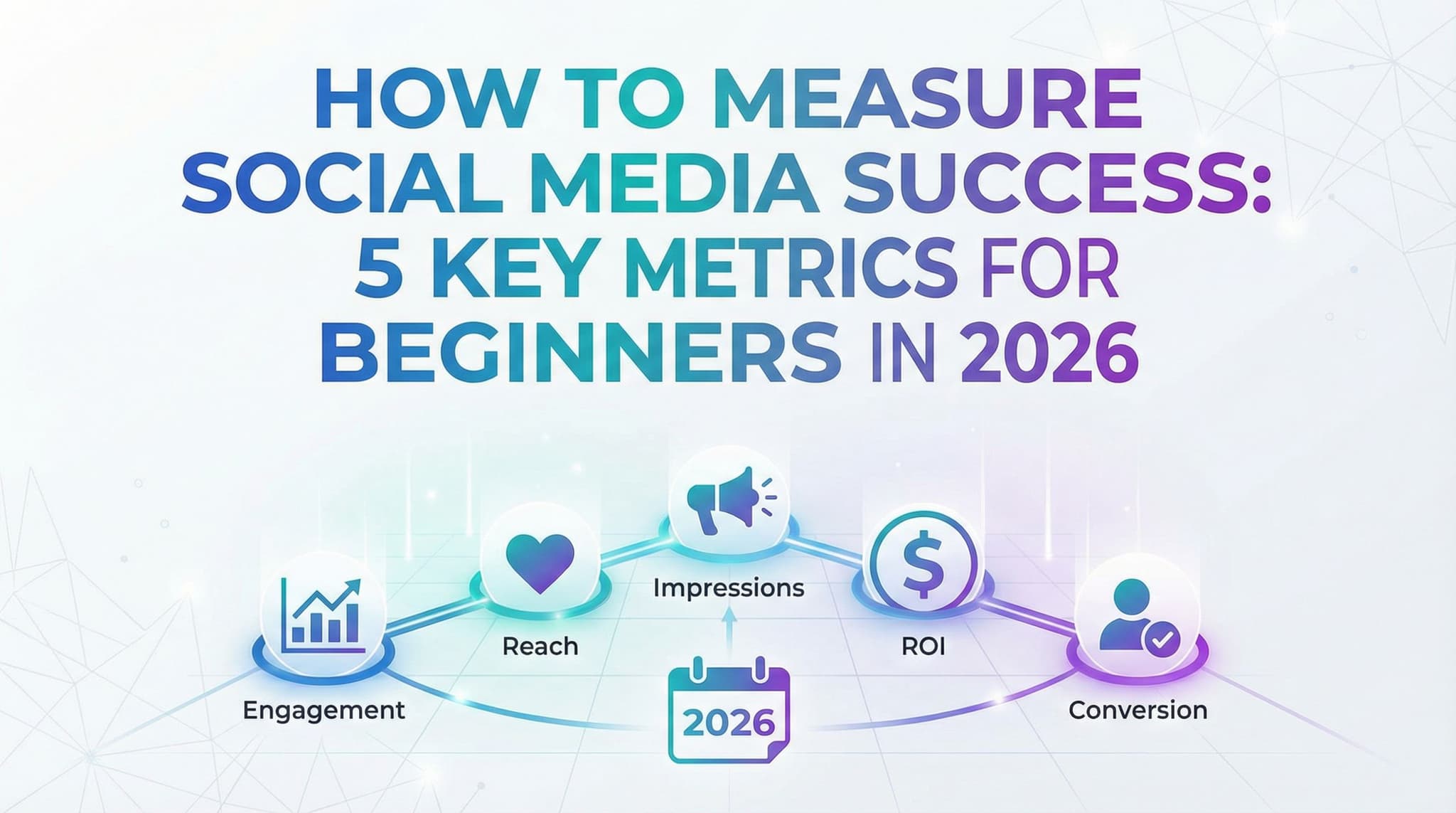
How to Measure Social Media Success: 5 Key Metrics for Beginners in 2026
Stop obsessing over vanity metrics and start measuring what actually matters for your business. This practical guide walks you through the essential social media KPIs that connect directly to real results—whether you're a solopreneur, small business owner, or marketing student. Learn which metrics to track at different growth stages, how to calculate them yourself, and why the 'right' metrics depend entirely on your business goals, not universal rules.
Jan 28, 2026
Read more
Social Media Glossary 2026: 25 Key Terms Every Beginner Should Know
Feeling lost in the world of social media marketing? From hashtags to engagement rates, algorithms to A/B testing, this comprehensive glossary breaks down 25 essential terms every beginner needs to master. Whether you're a small business owner, content creator, or marketing student, this practical guide organizes key terminology by real-world use cases, complete with examples and actionable insights. Stop guessing and start building your social media expertise with confidence.
Jan 28, 2026
Read moreReady to never miss a post again?
Tell Aidelly what to post. It drafts, schedules, and publishes across 9 platforms while you focus on your business.