How to Schedule Social Media Posts Like a Pro in 2026: Complete Beginner's Guide
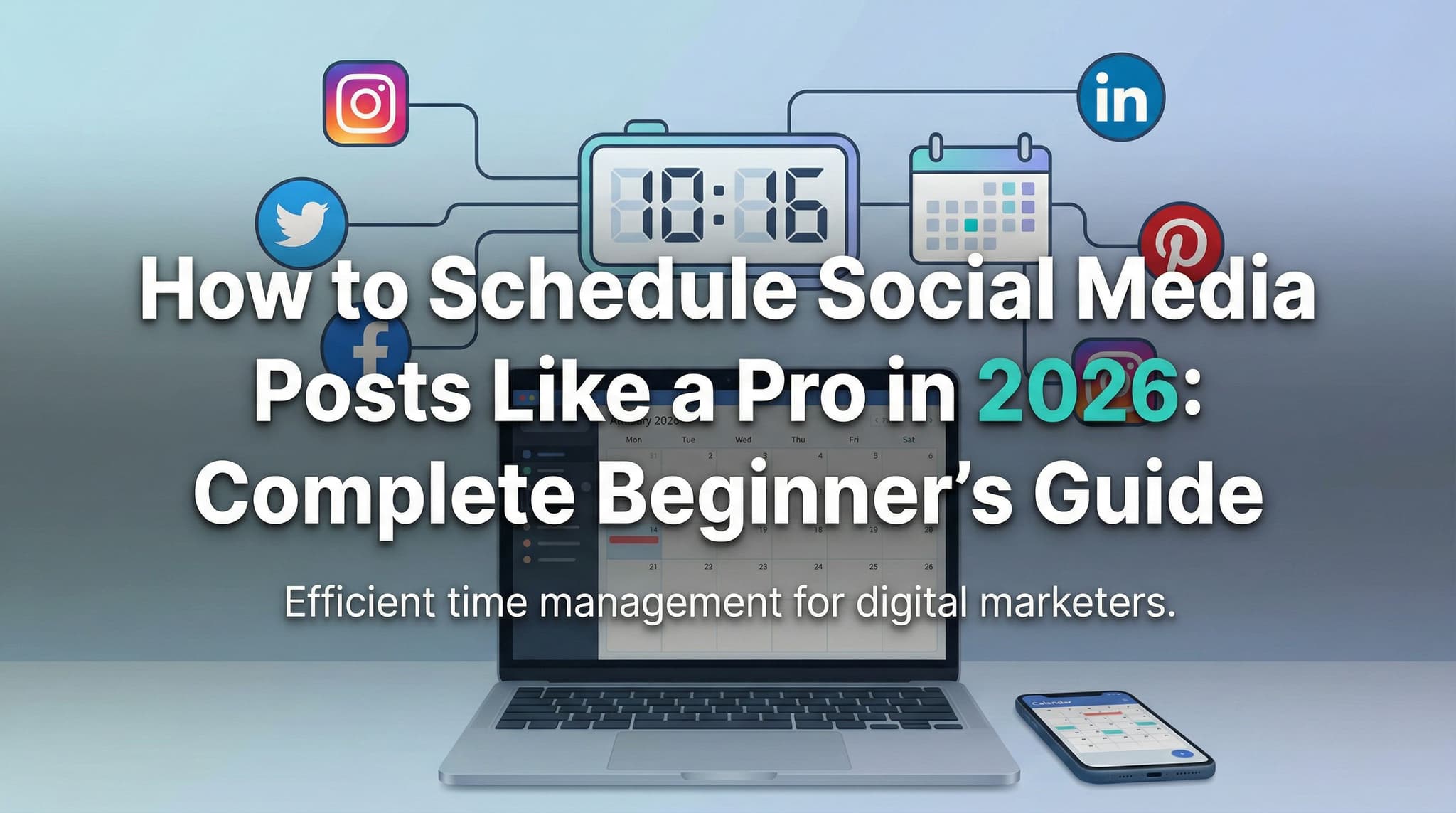
Let's be honest—social media management can feel like a full-time job that nobody hired you to do. You're juggling content creation, engagement, analytics, and all while trying to actually run your business. If you've ever felt the pressure to post consistently across multiple platforms, you're not alone. Many small business owners and content creators find themselves either burning out from constant posting or watching their engagement plummet when life gets busy.
Here's the good news: scheduling social media posts isn't about being inauthentic or robotic. It's actually the secret weapon that allows you to be more genuine with your audience. When you batch create content and schedule it strategically, you free up mental energy and time to actually show up in comments, respond to messages, and build real relationships with your community. You're not replacing authenticity—you're protecting it.
In this comprehensive 2026 guide, we'll walk you through everything you need to know about scheduling social media posts like a seasoned pro, even if you've never done it before. From choosing the right tools to mastering timing and analytics, you'll learn practical strategies that have helped thousands of creators and entrepreneurs maintain consistent, engaging feeds without the daily stress.
Section 1: Choosing Your Tools and Understanding Your Foundation
Before you schedule a single post, you need the right foundation in place. This means understanding what tools are available, what features matter for your specific needs, and how to set up your strategy before the scheduling even begins. Too many people jump straight into scheduling without planning, which leads to inconsistent posting, missed opportunities, and wasted effort. Let's change that.
The landscape of social media scheduling tools has evolved dramatically, and in 2026 there's genuinely something for every budget and skill level. Whether you're bootstrapping with free tools or investing in enterprise solutions, understanding the strengths and limitations of each platform will save you from frustration down the road. We'll also dive into the critical foundation work—your content calendar and planning strategy—that makes everything else possible.
1.1: Understanding Different Social Media Scheduling Tools and Their Features
When you start researching scheduling tools, you'll quickly realize there's no one-size-fits-all solution. Each platform has different strengths, and the best choice depends on your specific needs, budget, and which social networks you prioritize. Let's break down the major players in 2026.
Buffer has positioned itself as the friendly, approachable option for creators and small teams. It's known for its clean interface, straightforward pricing, and excellent educational content. Buffer shines if you're managing 3-5 social accounts and want something intuitive without overwhelming features. The platform offers browser extensions for easy sharing, built-in analytics, and the ability to schedule up to 100 posts per month on the free tier. However, if you need advanced team collaboration or complex reporting, you might outgrow it.
Later has carved out a niche as the go-to tool for visual-first creators, particularly Instagram and Pinterest users. If your brand lives on beautiful imagery, Later's visual content calendar is unbeatable. You can see your entire feed layout before posting, which is invaluable for maintaining aesthetic consistency. Later also offers strong TikTok and Instagram Reels scheduling capabilities, making it ideal if video content is your focus. The trade-off? It's pricier than some competitors and has a steeper learning curve for beginners.
Hootsuite is the enterprise-level solution that's been around for over a decade. It's incredibly powerful for agencies and larger teams managing multiple client accounts. Hootsuite offers advanced team workflows, granular permission settings, detailed reporting, and integrations with virtually every platform you can imagine. The downside is that the interface can feel overwhelming for beginners, and the pricing reflects its enterprise positioning. If you're a solo creator or small business owner, Hootsuite might be overkill.
Meta Business Suite (formerly Facebook Business Manager) is the native scheduling solution from Meta itself, covering Facebook, Instagram, and Threads. The advantage? It's completely free and integrated directly with your accounts. It offers solid basic scheduling, cross-posting capabilities, and access to Meta's native analytics. The limitation is that it only works with Meta properties, so if you use Twitter, LinkedIn, or TikTok, you'll need another tool. Many creators use Meta Business Suite as their primary Instagram/Facebook scheduler and supplement with another tool for additional platforms.
Beyond these major players, tools like Sprout Social, SocialBee, Loom, and Later each serve specific niches. When evaluating tools, consider: How many platforms do you use? What's your budget? Do you need team collaboration? How important is analytics? Your answers will point you toward the right solution.
1.2: Setting Up Your Content Calendar and Planning Strategy
Here's what separates successful social media managers from burnt-out ones: planning before scheduling. A content calendar is your strategic blueprint—it ensures consistency, prevents last-minute panic posts, and helps you align your social content with your broader business goals.
Start by defining your posting frequency for each platform. Instagram might be 4-5 times per week, LinkedIn twice weekly, TikTok daily, Twitter several times daily, etc. This should be based on what your audience expects, not what you think you should do. Research your competitors and check your platform analytics to see when your audience is most active.
Next, establish your content pillars—the 4-5 main themes that define your brand. For example, a fitness coach might have: workout tips, client transformations, nutrition advice, behind-the-scenes content, and motivational quotes. These pillars ensure variety and help you plan content that resonates with your audience while staying true to your brand.
Create a monthly content calendar using a tool like Google Sheets, Notion, Asana, or even a simple spreadsheet. Include: date, platform, content type, caption ideas, hashtags, and any visuals you'll use. This doesn't need to be fancy—it just needs to be functional and accessible. Many creators use a simple template: one column for the date, one for the platform, one for the content type, one for captions, and one for notes. This level of organization transforms scheduling from a chaotic daily task into a strategic weekly or bi-weekly activity.
1.3: Platform-Specific Scheduling Guidelines and Limitations
Each social platform has different rules and limitations when it comes to scheduling, and ignoring these can lead to frustration or missed opportunities. Understanding these guidelines upfront prevents problems down the road.
Instagram: You can schedule posts natively through Meta Business Suite or third-party tools, but Instagram Reels can only be scheduled through Meta Business Suite (not all third-party tools support Reels scheduling yet). Stories cannot be scheduled through most tools—you'll need to post those live or use a mobile app workaround. Carousel posts schedule beautifully, but remember that Instagram's algorithm favors content that generates saves and shares, so your captions matter more than ever.
TikTok: Native scheduling is available, but third-party scheduling tools have limited TikTok support compared to Instagram or Facebook. If you schedule through a third-party tool, verify it actually supports TikTok scheduling—many still don't. Many creators record content in batches and upload directly to TikTok during their optimal posting windows rather than relying on third-party scheduling.
LinkedIn: Most scheduling tools handle LinkedIn well, and the platform actually rewards scheduled content the same as native posts. LinkedIn has no issue with scheduling and doesn't penalize you for it, making it one of the most scheduling-friendly platforms.
Twitter/X: Scheduling is fully supported and works seamlessly with most tools. However, Twitter's algorithm changes frequently, so monitor your performance closely to identify your best posting times.
Facebook: Scheduling is straightforward and widely supported. Facebook actually recommends scheduling content in advance to optimize delivery to your audience.
Section 2: Mastering the Art of Timing, Batching, and Content Optimization
Now that you understand your tools and have a plan, it's time to dive into the mechanics of actually scheduling effectively. This is where most people stumble, not because it's complicated, but because they skip the strategic thinking that makes scheduling actually work. Timing, content batching, and optimization aren't just technical tasks—they're the difference between posts that disappear into the void and posts that generate engagement, builds community, and drive real results for your business.
The psychology of social media is fascinating. Your audience isn't on every platform at the same time. A LinkedIn user might check the platform during their morning coffee before work, but they're not scrolling TikTok at the same time. A parent might engage with Facebook in the evening after kids are in bed. Understanding these patterns and scheduling accordingly is what transforms a sporadic follower into an engaged community member.
2.1: Best Practices for Optimal Posting Times Based on Platform and Audience Analytics
Posting at the right time is like opening a store when customers are actually shopping. It doesn't matter how good your product is if nobody's around to see it. The challenge is that optimal posting times vary dramatically by platform, industry, and audience demographics.
General industry benchmarks: Instagram typically performs best between 11 AM-1 PM and 7-9 PM. Facebook engagement peaks around 1-3 PM on weekdays. LinkedIn sees strong engagement mid-morning (8-10 AM) and midweek (Tuesday-Thursday). TikTok operates differently—the platform's algorithm is so sophisticated that timing matters less than content quality, but early morning (6-10 AM) and evening (7-11 PM) still see higher traffic. Twitter sees constant activity, but engagement spikes around 8-10 AM and 5-6 PM on weekdays.
But here's the thing: these are just starting points. Your specific audience might be night owls, or they might be in a different time zone entirely. This is why analytics are absolutely critical. Every scheduling tool worth its salt provides data on when your specific followers are most active. After your first 2-3 weeks of posting, dive into your analytics and identify patterns. Which posts got the most engagement? What time were they posted? What day of the week? Are your followers concentrated in specific time zones?
Use this data to create a custom posting schedule. If you discover your audience is most active at 9 PM because they're winding down after work, schedule accordingly—even if that contradicts general industry benchmarks. Your real audience matters infinitely more than industry averages.
Also consider platform-specific behaviors. LinkedIn users are checking the platform during work hours. TikTok users might be scrolling at any hour. Instagram users often engage throughout the day but with peaks at lunch and evening. Align your scheduling with these behavioral patterns, and watch your engagement metrics improve.
2.2: How to Batch Create and Organize Content for Efficient Scheduling
Content batching is the secret weapon that transforms social media from a daily task into a manageable weekly or bi-weekly project. Instead of creating and posting content every single day, you dedicate specific time blocks to creating multiple pieces of content at once. This is more efficient, less mentally taxing, and actually produces better content because you're in a creative flow state.
The batching process looks like this:
First, set aside dedicated batching sessions—maybe one or two days per week for 2-3 hours each. During these sessions, you create all your content for the next 1-2 weeks. This might mean writing 10-15 captions, creating 20-30 graphics, filming 5-10 video clips, or whatever combination makes sense for your platforms.
Create a batching template that keeps you organized. You might have columns for: content idea, platform, caption, hashtags, visual description, and posting date. As you create, fill in each row. This creates a content library that you can then schedule all at once, rather than creating and scheduling daily.
For visual content, batch creation is especially powerful. Set up a simple photo shoot or recording session where you create multiple pieces of content in one sitting. Change outfits if needed, try different angles and backgrounds, and aim to create 20-30 pieces of content that you can use across multiple posts over the next month. This is how successful creators maintain consistent aesthetics—they're not creating something new every day; they're pulling from a library created during intentional batching sessions.
Organize your content in folders on your computer or cloud storage. Create folders by month, platform, or content type—whatever system makes sense to you. When it's time to schedule, everything you need is organized and ready to go. Many creators use Canva's brand kit feature or Adobe's libraries to maintain consistent colors, fonts, and design elements across batched content, which further streamlines the process.
2.3: Automating Hashtags, Captions, and Visual Elements While Maintaining Authenticity
Automation gets a bad rap in the creator community, but there's a crucial distinction between authentic automation and lazy automation. When done right, automating certain elements actually frees you to be more authentic in the ways that matter.
Hashtag automation: Don't randomly throw hashtags at your posts. Instead, research 20-30 relevant hashtags for your niche and create 2-3 saved hashtag sets in your scheduling tool or in a document you reference during batching. For example, a fitness coach might have a general set (like #fitnessmotivation, #workoutoftheday, #healthylifestyle) and then customize each post with 5-10 specific hashtags. Many scheduling tools let you save hashtag groups, so you can apply them with one click. This is automation that works—it ensures consistency and relevance without being lazy.
Caption templates: Create caption templates that you can customize. For example, if you do weekly tips, you might have a template like: "[Day] Tip: [Tip content]. [Explanation]. [Call to action]" You're not copying and pasting identical captions; you're using a structure that ensures quality while saving time. The personalization comes from the specific content you fill in.
Visual element consistency: Use design tools like Canva to create templates for recurring content types. If you post a weekly quote, create a template with your colors, fonts, and layout. Customize the actual quote each week. If you do weekly roundups, have a consistent design template. This isn't inauthentic—it's professional branding. Your audience actually appreciates consistency; it makes your content instantly recognizable.
Where authenticity matters most: Don't automate your engagement. Don't schedule comments or auto-respond to every message with a template. Don't use automation to avoid actually showing up for your community. The beauty of scheduling your posts is that it frees you to be genuinely present in the comments, responding to real people with real conversations. That's where your authenticity shines. Automate the operational tasks so you can manually handle the human connection.
Section 3: Measuring Impact and Maintaining Real Engagement
Scheduling is only half the story. The other half—and arguably the more important half—is measuring what works and actually showing up for your community. This is where many creators fall short. They schedule content, post it, and then disappear. That's not a strategy; that's just broadcasting. Real social media success comes from the combination of strategic scheduled content and genuine real-time engagement.
In this final section, we'll explore how to use analytics to continuously improve your scheduling strategy, balance automation with authenticity, navigate common pitfalls that derail new schedulers, and manage the complexity of posting across time zones. These elements transform scheduling from a mechanical task into a strategic practice that actually builds your business.
3.1: Using Analytics to Measure Performance and Optimize Scheduling Patterns
Analytics are your roadmap to improvement. They tell you what's working, what's not, and where to adjust. Yet many creators schedule posts and never look at the data. That's like cooking a meal without tasting it—you have no idea if it's good.
Key metrics to track: Engagement rate (likes, comments, shares divided by impressions) matters more than vanity metrics like follower count. Look at which content types generate the most engagement. Do your audience prefer educational content, entertainment, behind-the-scenes, or personal stories? Track this by content type and platform. Notice which captions get more comments—longer thoughtful ones or shorter punchy ones? Which hashtags bring in new followers versus which ones are just noise?
Creating an analytics review habit: Every two weeks, spend 30 minutes reviewing your analytics across all platforms. Most scheduling tools have built-in analytics dashboards. If they don't, check each platform's native analytics. Document what you find. Create a simple spreadsheet tracking: date posted, content type, engagement rate, comments, and shares. Over time, patterns emerge.
Adjusting your strategy based on data: Let's say your analytics reveal that video content gets 3x more engagement than static images on your platform. That's actionable data. Shift your content mix to include more videos. Or maybe you discover that captions with questions get twice as many comments as captions without them. Start including questions in more posts. If Tuesday posts consistently underperform, shift more content to Wednesday-Thursday.
Use this data to refine your posting schedule. If you discover your audience engages most with posts at 6 PM on weekdays but you've been scheduling at 11 AM, change it. If certain content types perform better on certain platforms, create platform-specific strategies. Maybe educational content crushes it on LinkedIn but your TikTok audience prefers entertainment—schedule accordingly.
The beauty of scheduling tools is that they make this experimentation easy. You can test different times, different formats, different captions, and measure what actually works for your specific audience. This is data-driven creativity, and it's the future of effective social media.
3.2: Balancing Scheduled Posts with Real-Time Engagement and Community Interaction
Here's the critical insight that changes everything: scheduling is not a substitute for engagement; it's a foundation for it. When you schedule your regular content, you're clearing mental space to actually show up in your community. You're not stressed about posting today because it's already scheduled. You can focus on what really matters: responding to comments, answering questions, and building relationships.
The engagement strategy: Plan to spend 15-30 minutes daily engaging with your community, even if your posts are scheduled weeks in advance. This might mean responding to comments on your posts, liking and commenting on other creators' content, answering direct messages, or joining conversations in your niche. This real-time interaction signals to the algorithm that your account is active and engaged, which actually boosts your scheduled posts' performance.
When someone comments on your post, respond within the first few hours if possible. Comments that get responses from the creator generate more follow-up comments, which boosts engagement metrics. When people DM you, respond thoughtfully. When you see relevant conversations in your niche, jump in. This is where you build real relationships. This is where people decide whether to follow you, buy from you, or refer you to friends.
The balance is critical: Some creators schedule content so aggressively that they're never actually present in their community. They post daily but never respond to comments. That creates a hollow experience—followers feel ignored. Other creators are so busy engaging that they never create consistent content. The sweet spot is scheduling enough content to maintain consistency (so you're not stressed) while dedicating real time to genuine interaction (so your community feels valued).
Think of scheduling as your content foundation and engagement as your relationship building. Both are essential. The scheduling handles the logistics so you can focus the engagement on the human element. This combination is what builds loyal communities and sustainable social media presence.
3.3: Avoiding Common Mistakes and Managing Global Audiences Across Time Zones
Common scheduling mistakes to avoid: The biggest mistake is over-scheduling. Just because you can schedule 100 posts doesn't mean you should. Quality always beats quantity. A single thoughtful post gets more engagement than five mediocre ones. Post consistently, but don't flood your followers' feeds.
Another common error is ignoring audience feedback. If you get comments asking questions or requesting specific content, listen. These are direct signals from your audience about what they want. Adjust your content calendar accordingly. Scheduling shouldn't be so rigid that you can't respond to these real-time requests.
Many new schedulers also make the mistake of scheduling posts and then disappearing. They schedule a month of content and then forget about their account. Social media requires presence. Check your comments daily. Respond to messages. Stay aware of what's happening in your niche. Scheduling is a tool for efficiency, not an excuse for absence.
Another pitfall is not leaving room for flexibility. If something major happens in your industry or the world, your scheduled content might become tone-deaf. Always keep a few days of flexibility where you can insert timely, relevant content. Don't be so locked into your schedule that you miss opportunities to be part of important conversations.
Time zone management for global audiences: If you have followers across multiple time zones, this is a real challenge. You can't post at the perfect time for everyone. Here's the practical approach: identify your primary time zones. If 60% of your followers are in EST and 30% are in PST, optimize for those. Post at a time that works for your largest audience segments, even if it's not ideal for everyone.
Some creators post the same content multiple times in different time zones. If you have significant audiences in three different regions, you might post at 8 AM EST, then again at 8 AM CST, then again at 8 AM PST. This ensures each regional audience sees content during their optimal time. Most scheduling tools make this easy—you can schedule the same post multiple times at different times.
Alternatively, use scheduling tools that can optimize delivery across time zones automatically. Some advanced tools analyze when each of your followers is most active and deliver your post when each person is most likely to see it—regardless of time zone. This is sophisticated automation that actually works.
If you have a truly global audience, you might also consider repurposing content across platforms. A blog post becomes a LinkedIn article, which becomes Instagram carousel posts, which becomes TikTok content. Each format and platform has different optimal times, so the same core content reaches different audiences at different times. This multiplies your reach without multiplying your workload.
Scheduling social media posts isn't about being robotic or inauthentic—it's about creating a sustainable system that lets you show up more consistently and genuinely for your community. By understanding your tools, planning strategically, timing intelligently, batching efficiently, and measuring results, you transform social media from a daily source of stress into a manageable, strategic part of your business.
The most successful creators and entrepreneurs in 2026 aren't the ones posting constantly without strategy. They're the ones who schedule thoughtfully, engage authentically, and continuously optimize based on real data. They've figured out that the combination of smart scheduling and genuine engagement is what builds loyal communities and sustainable growth. Start with one platform, implement these strategies, measure what works, and iterate. Within a few weeks, you'll develop a rhythm that feels natural, sustainable, and actually effective.
Remember: your scheduling system is meant to serve you and your audience, not the other way around. Choose tools that make sense for your needs, create processes that fit your life, and always prioritize the human connection that makes social media worth doing in the first place.
If you want a low-lift way to apply these ideas, Aidelly helps you keep your social content consistent without extra busywork. Now that you understand the fundamentals of scheduling, the real magic happens when you can implement these strategies without the stress of managing multiple platforms and tools—which is where having the right platform makes all the difference. Aidelly makes it easy to create and schedule engaging content effortlessly while keeping your brand voice consistent across all your channels, so you can spend less time juggling timelines and more time actually connecting with your audience. If you're ready to turn these pro scheduling habits into your new normal, get started at aidelly.ai.Compare Social Scheduling Tools
Evaluating software for your content workflow? Use our buyer guides and comparisons to compare scheduling, approvals, analytics, and AI workflow fit.
Share this article
Related Articles
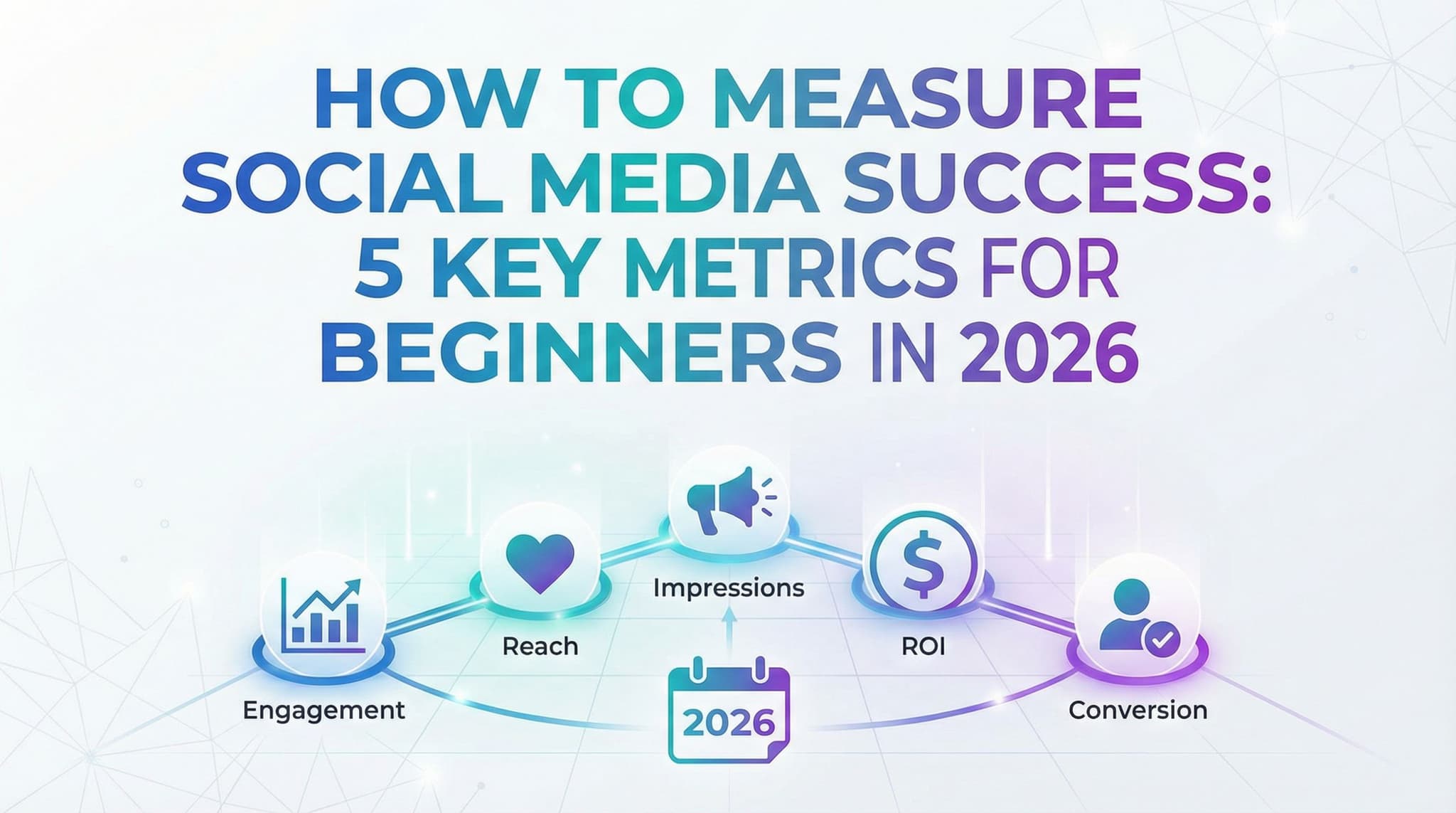
How to Measure Social Media Success: 5 Key Metrics for Beginners in 2026
Stop obsessing over vanity metrics and start measuring what actually matters for your business. This practical guide walks you through the essential social media KPIs that connect directly to real results—whether you're a solopreneur, small business owner, or marketing student. Learn which metrics to track at different growth stages, how to calculate them yourself, and why the 'right' metrics depend entirely on your business goals, not universal rules.
Jan 28, 2026
Read more
Social Media Glossary 2026: 25 Key Terms Every Beginner Should Know
Feeling lost in the world of social media marketing? From hashtags to engagement rates, algorithms to A/B testing, this comprehensive glossary breaks down 25 essential terms every beginner needs to master. Whether you're a small business owner, content creator, or marketing student, this practical guide organizes key terminology by real-world use cases, complete with examples and actionable insights. Stop guessing and start building your social media expertise with confidence.
Jan 28, 2026
Read more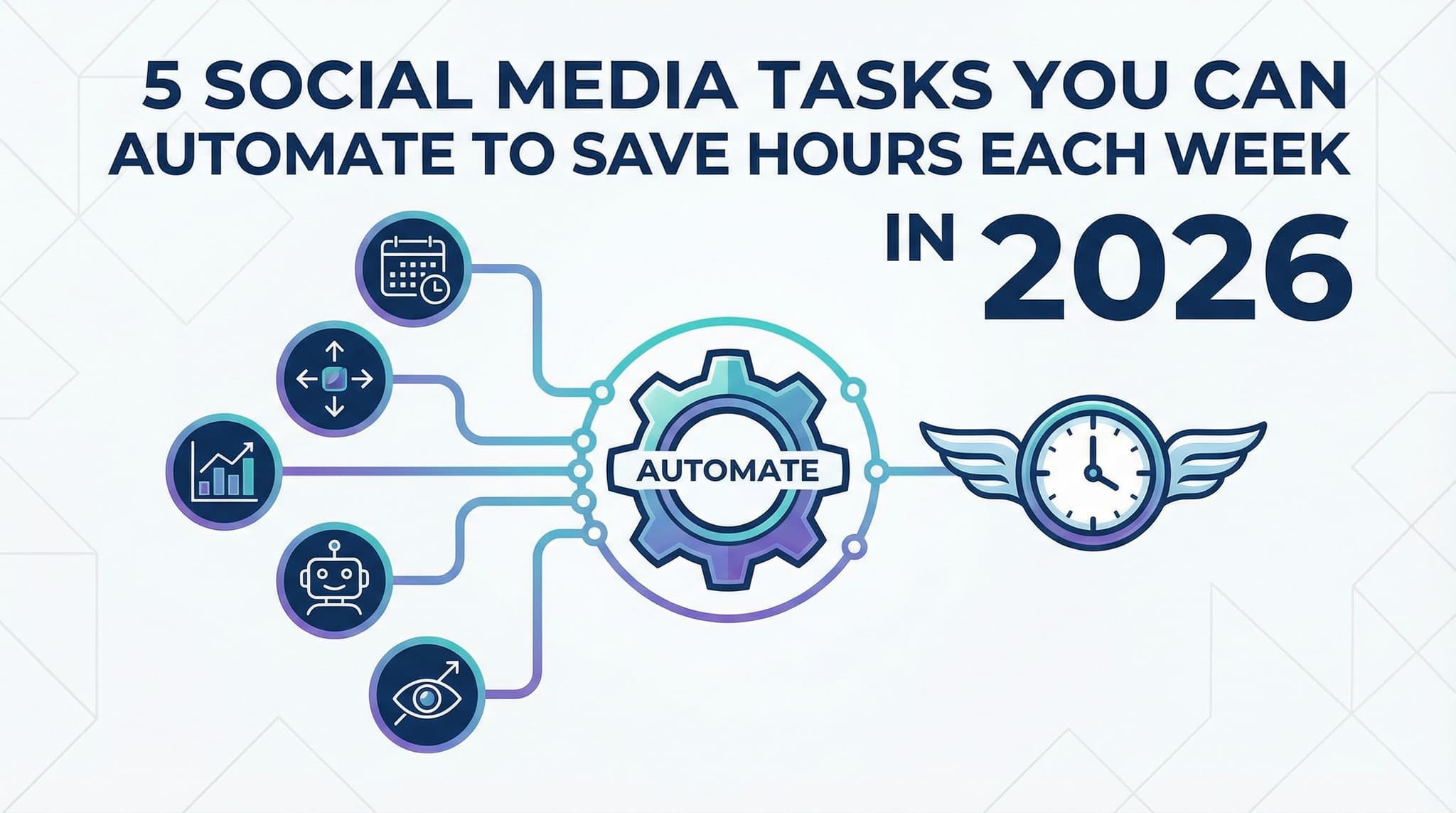
5 Social Media Tasks You Can Automate to Save Hours Each Week in 2026
Are you spending 10+ hours every week manually posting, monitoring, and managing your social media? You're not alone—but you don't have to keep doing it this way. In 2026, automation tools have evolved far beyond simple scheduling. Discover the five most impactful social media automation strategies that can reclaim 15-20 hours from your weekly workload while actually strengthening your brand presence. From intelligent scheduling across multiple platforms to AI-powered monitoring and chatbots, learn exactly which tasks to automate, how to implement them, and—most importantly—how to maintain authentic engagement while working smarter, not harder.
Jan 28, 2026
Read moreReady to never miss a post again?
Tell Aidelly what to post. It drafts, schedules, and publishes across 9 platforms while you focus on your business.